The desktop app
The desktop app is a window on the same engine as jitllm and jitllmd. It runs the engine inside its own process rather than calling the command line, so a model stays open across turns and the app reads the engine’s counters directly instead of parsing text.
Install and run
Section titled “Install and run”Install it with the install script:
curl -fsSL https://raw.githubusercontent.com/samyfodil/jitllm/main/scripts/install.sh | sh -s -- desktopjitllm-desktopOn Windows, set $env:JITLLM_PROGRAMS = "desktop" before the PowerShell line. Its archive, jitllm-desktop_<version>_<os>_<arch>, is also on the latest release. It is a separate Go module, so the engine keeps its single dependency; to build it from source:
cd jitllm/uiCGO_ENABLED=0 go build -o "$(go env GOPATH)/bin/jitllm-desktop" .Drop a .jlm or a .gguf anywhere on the window to open or convert it, or drop a picture to attach it to the next message.
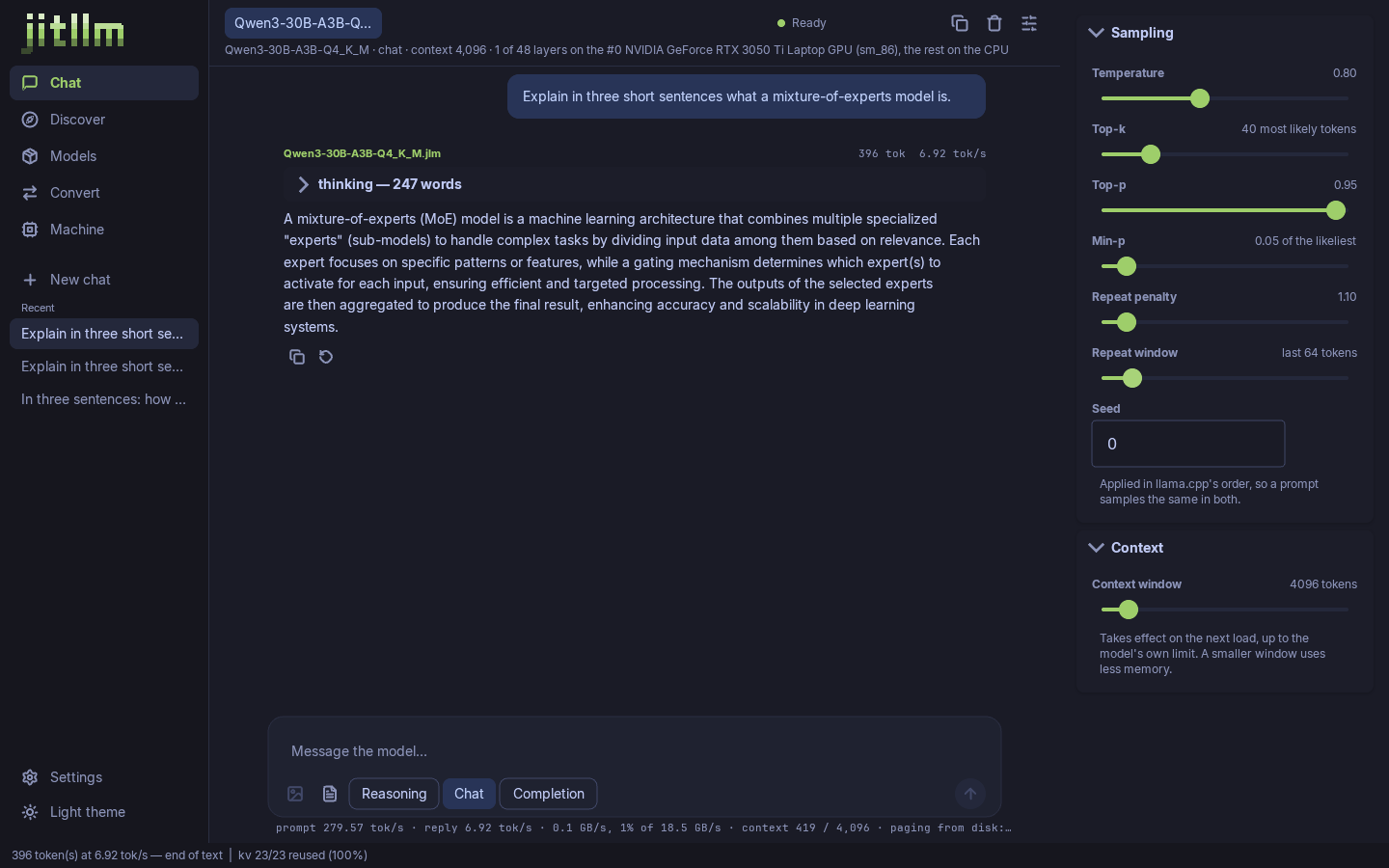
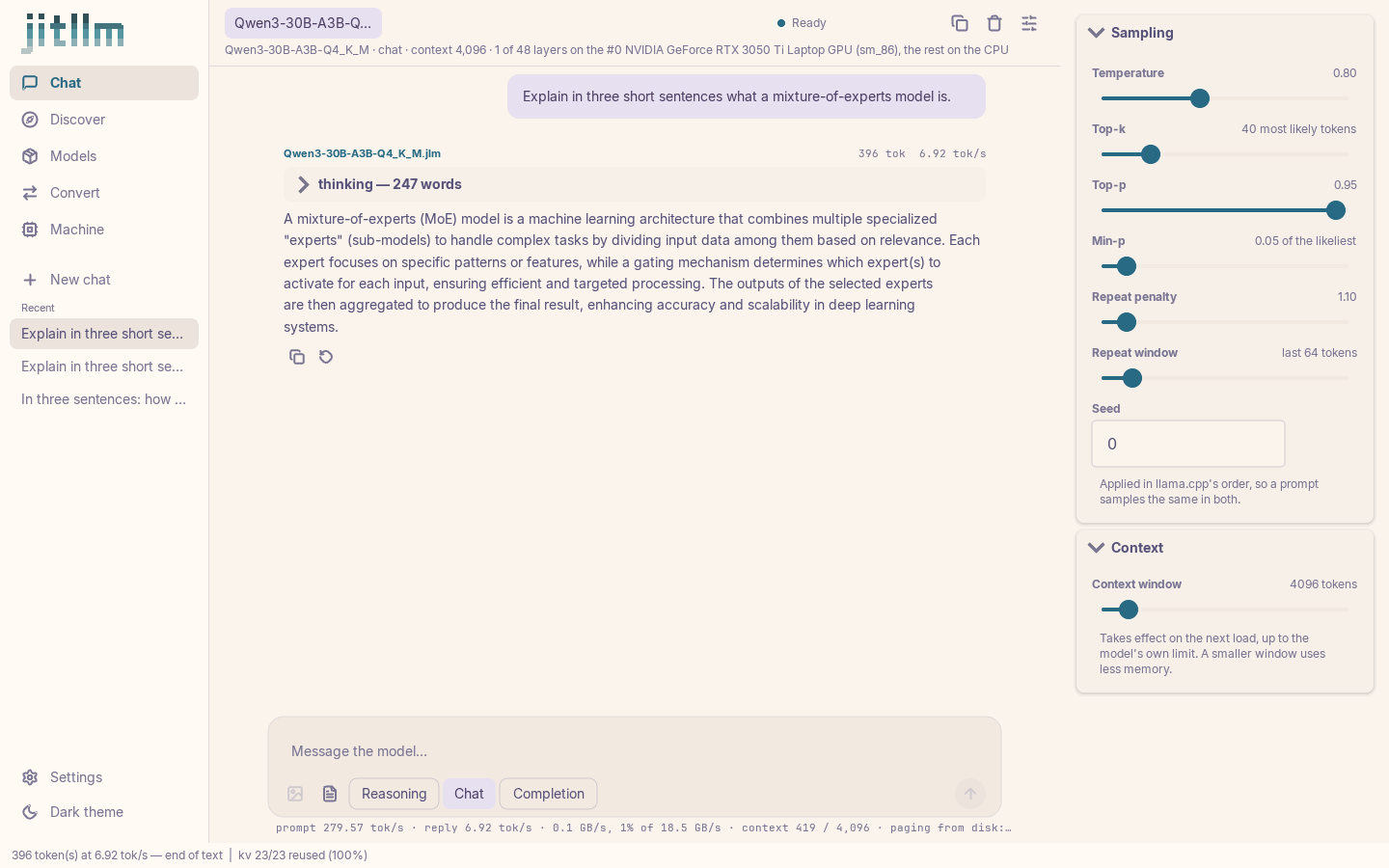
Conversations use the model’s own chat template, with reasoning, chat and completion modes. The sampling panel has llama.cpp’s knobs, applied in llama.cpp’s order, and the context window. Under each reply are the prompt and reply rates and the read bandwidth as a share of what the machine measured, and the header says where the model’s blocks run. Several models can be open at once, one tab each. Above, Qwen3-30B-A3B, a 30B mixture of experts, answers on a laptop with a 4 GB GPU: one block on the card, the other 47 on the CPU, its experts paged from disk as tokens route to them.
Models
Section titled “Models”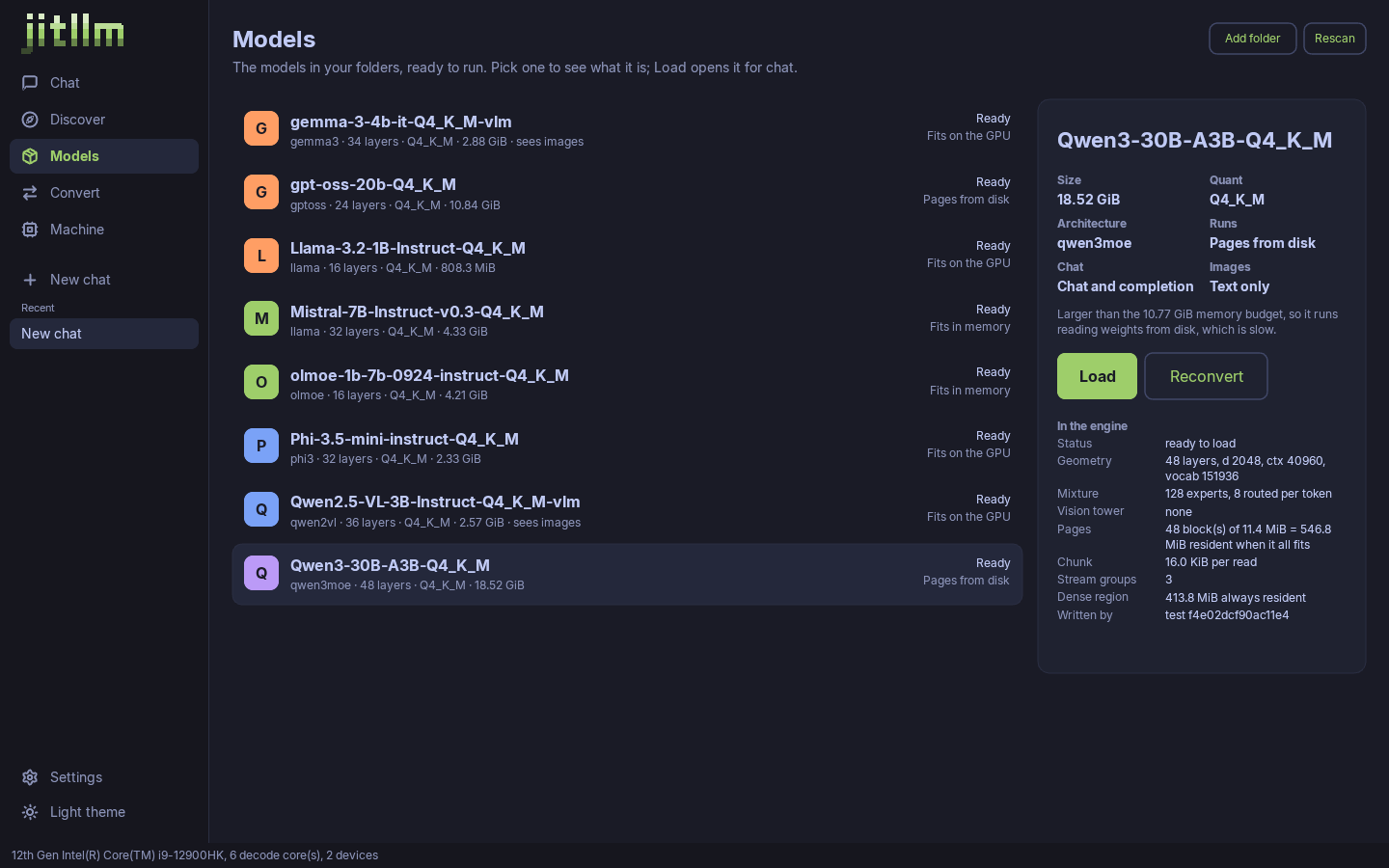
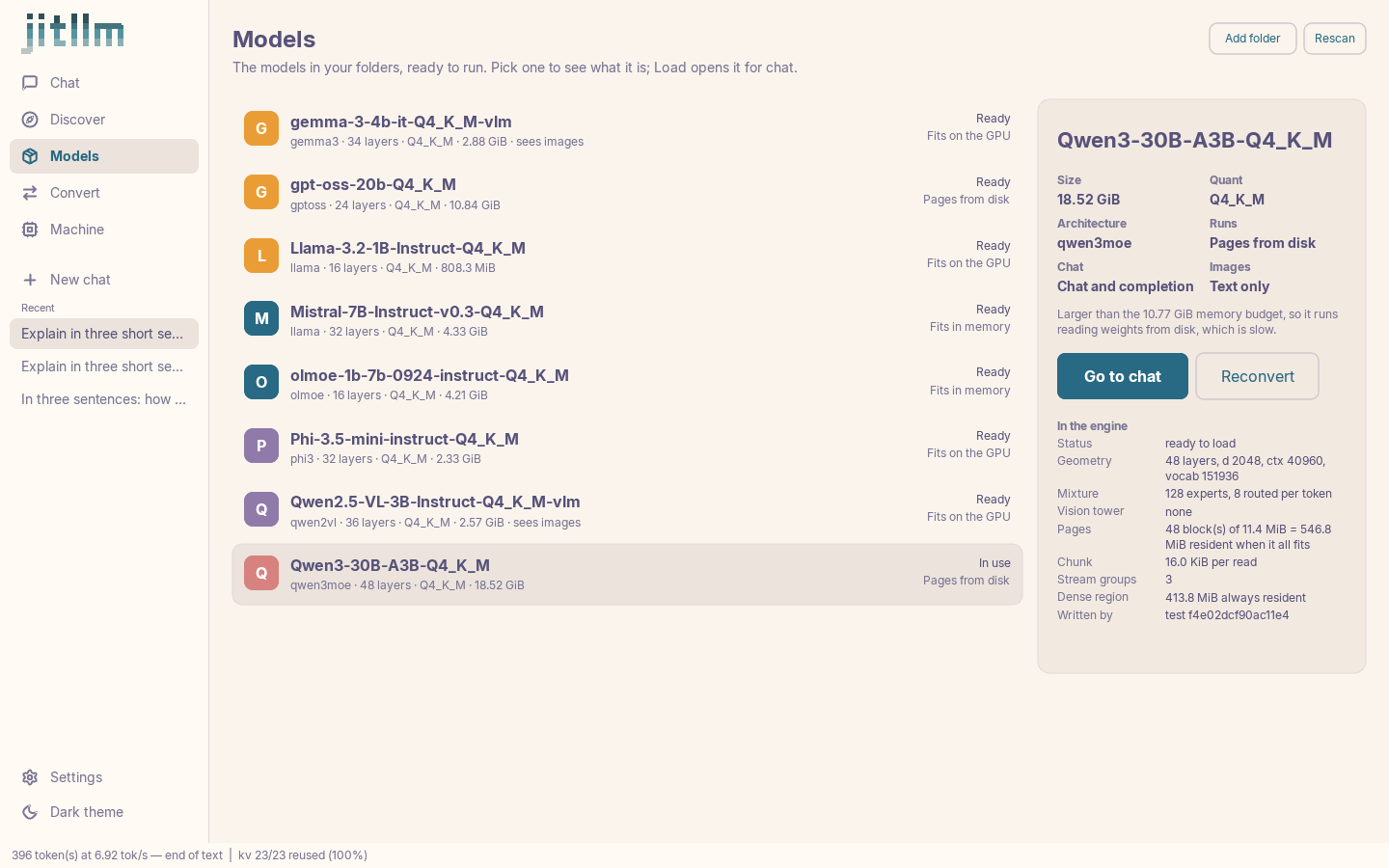
The .jlm files in your model folders, each with its architecture, size and whether it fits in memory, fits on the GPU or pages from disk. Selecting one shows what the engine will do with it, its experts, its pages and its dense region, before it is loaded.
Discover
Section titled “Discover”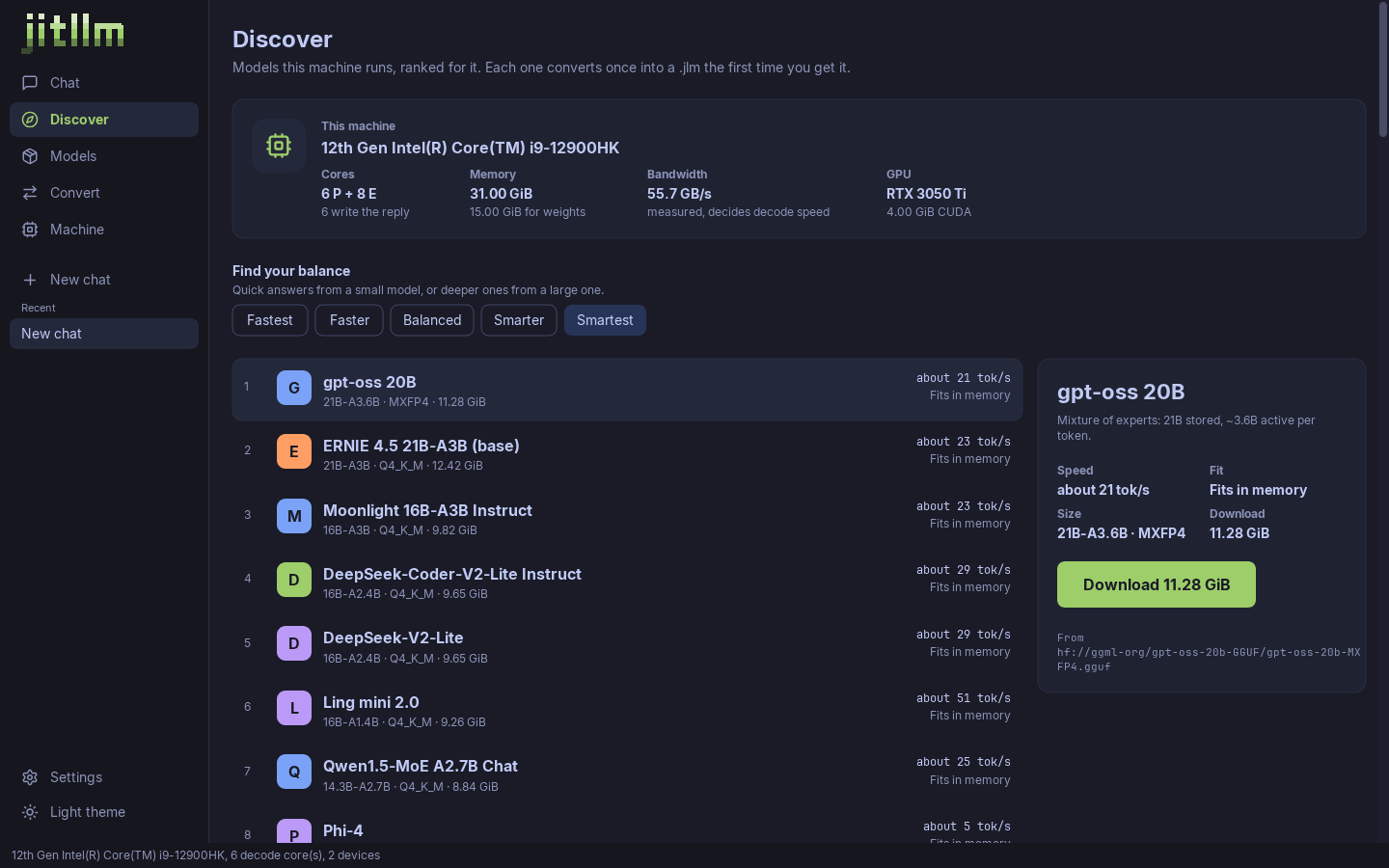
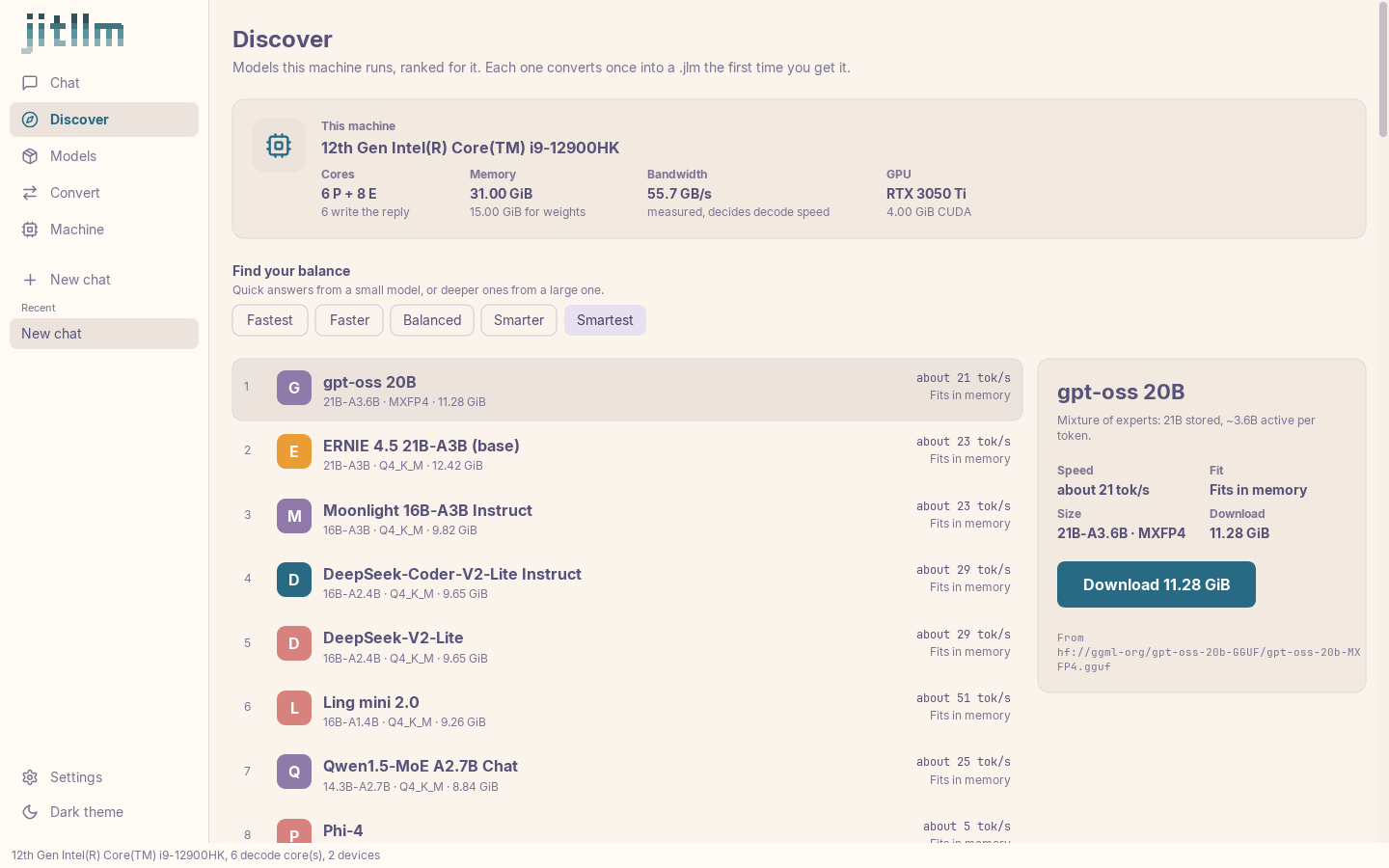
The app probes this machine (cores, memory, measured bandwidth, GPUs) and ranks the catalog for it, from fastest to smartest. Each model shows an expected rate and whether it fits in memory before anything is downloaded; downloading converts it into a .jlm once.
Machine
Section titled “Machine”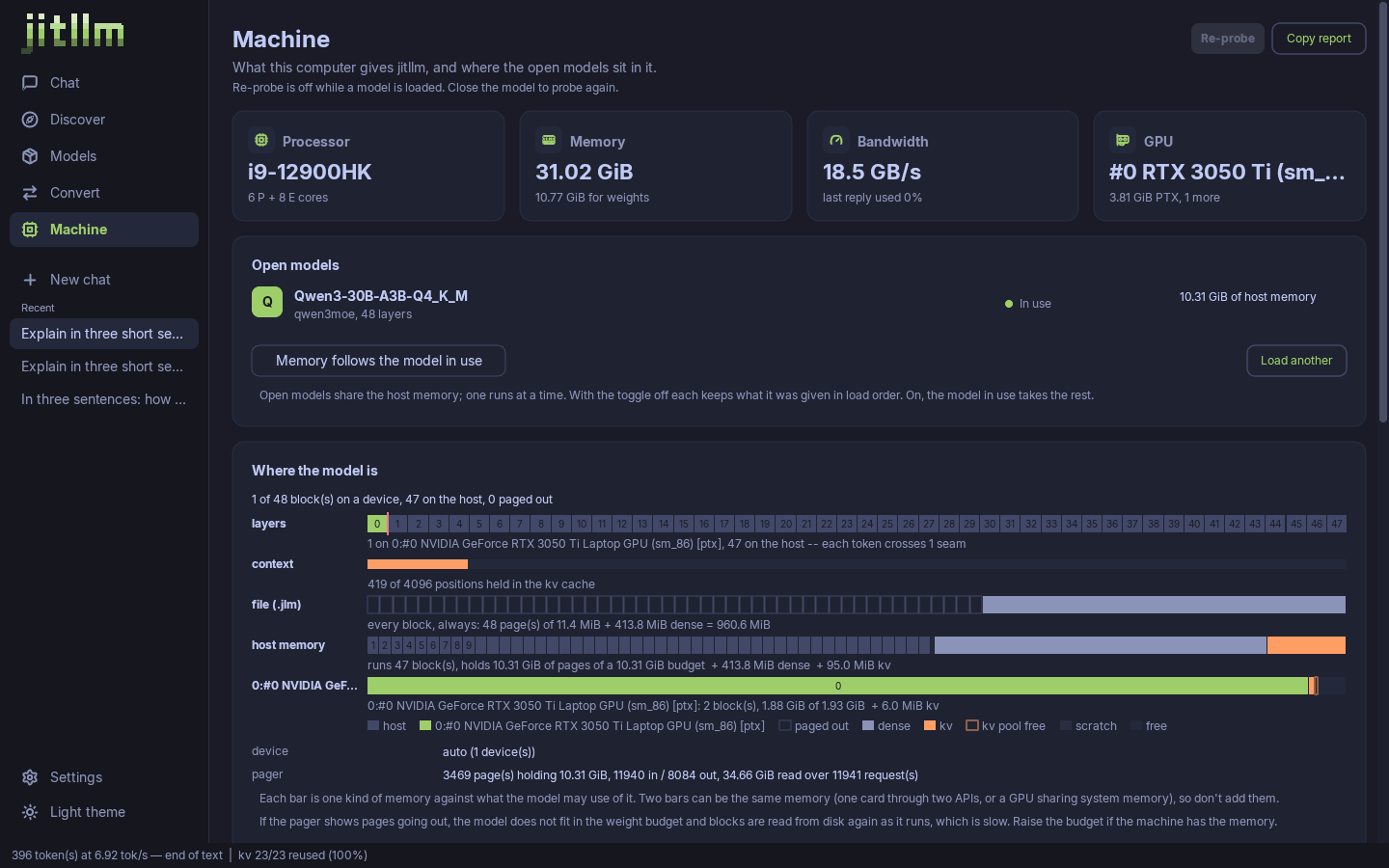
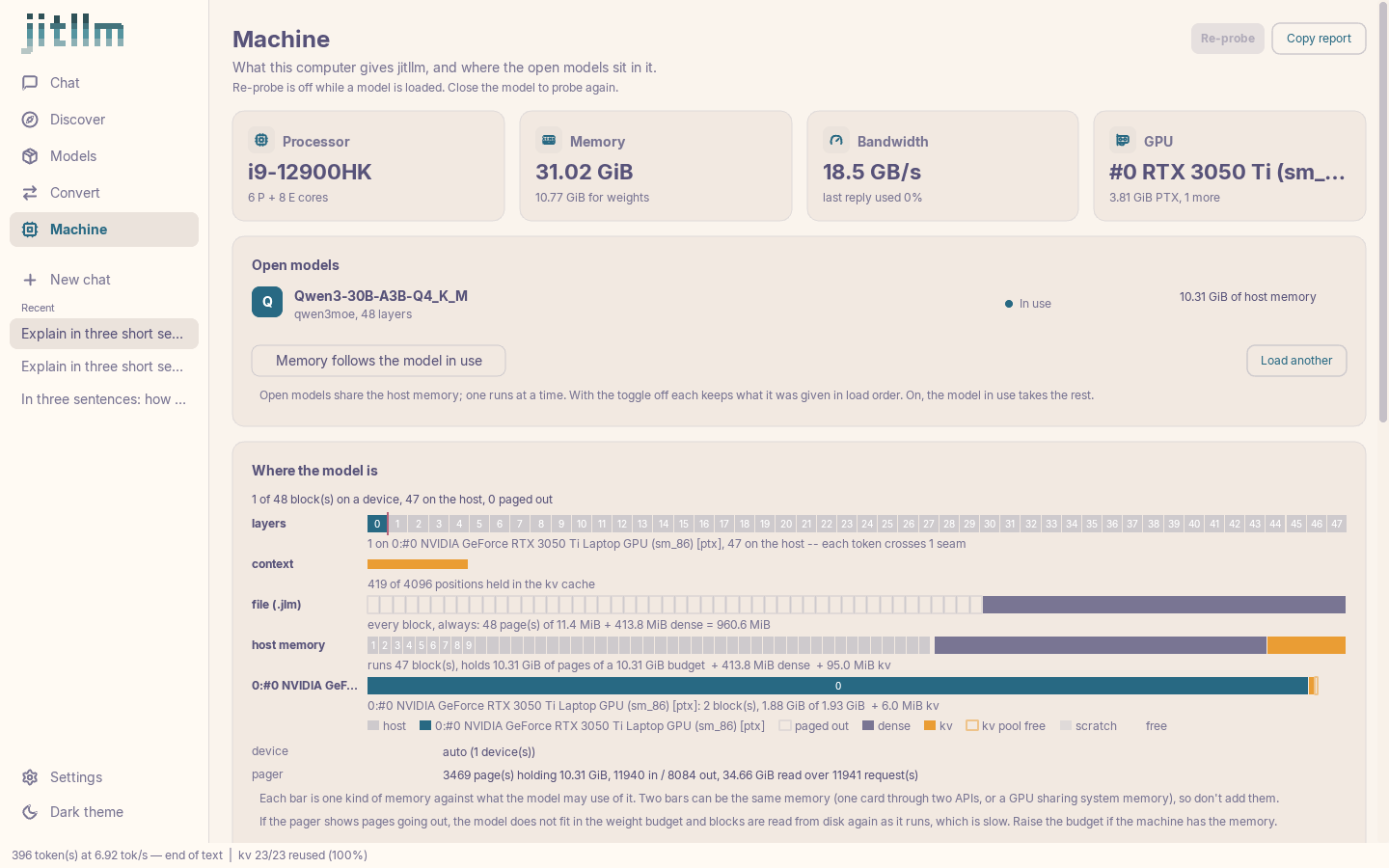
Where the model is: which blocks run on each GPU and which on the host, the seam a token crosses, what the KV cache holds, how many of the file’s pages are in host memory and how full each budget is. It is the placement and paging of the docs, live, for the model you are using.
Convert
Section titled “Convert”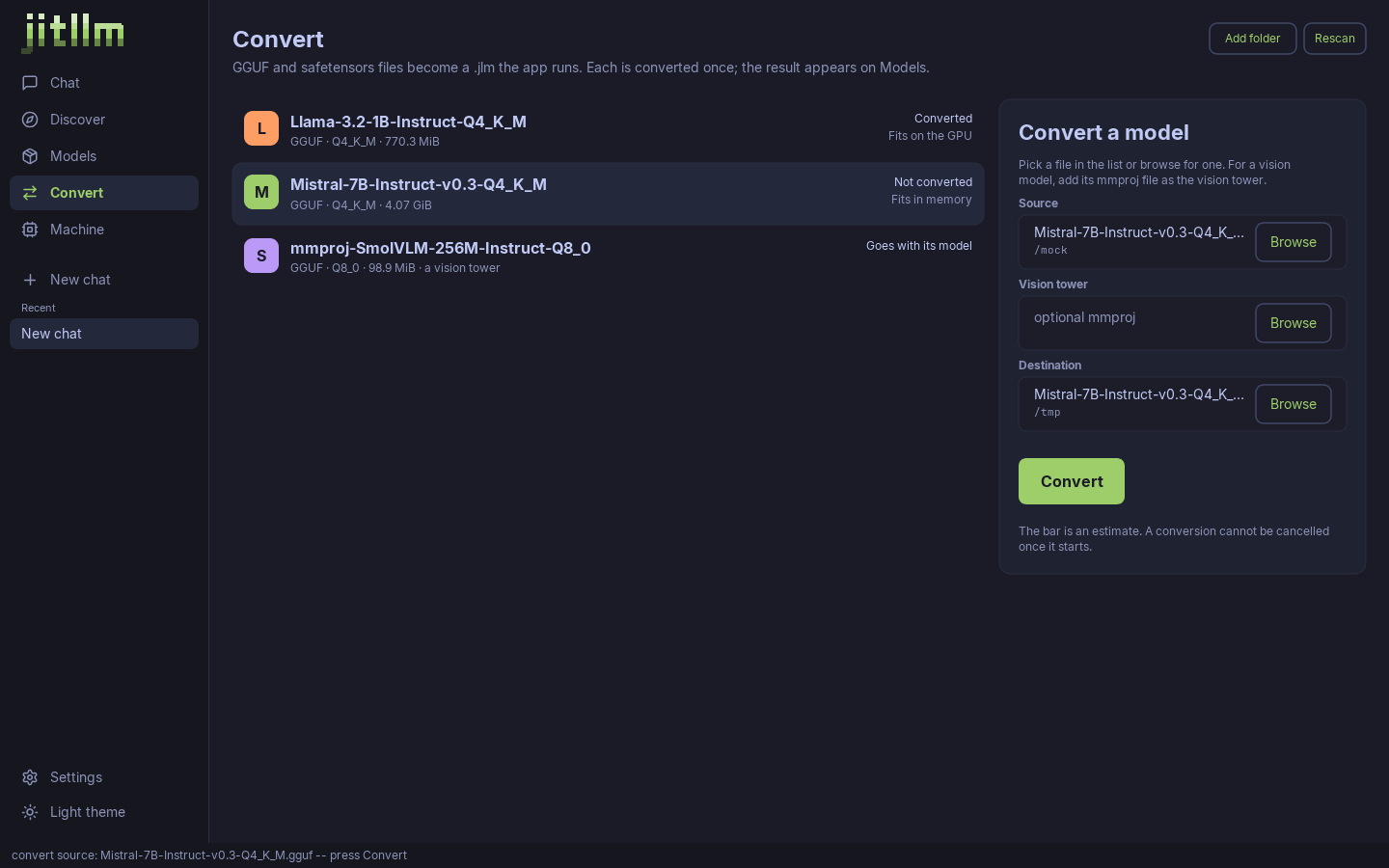
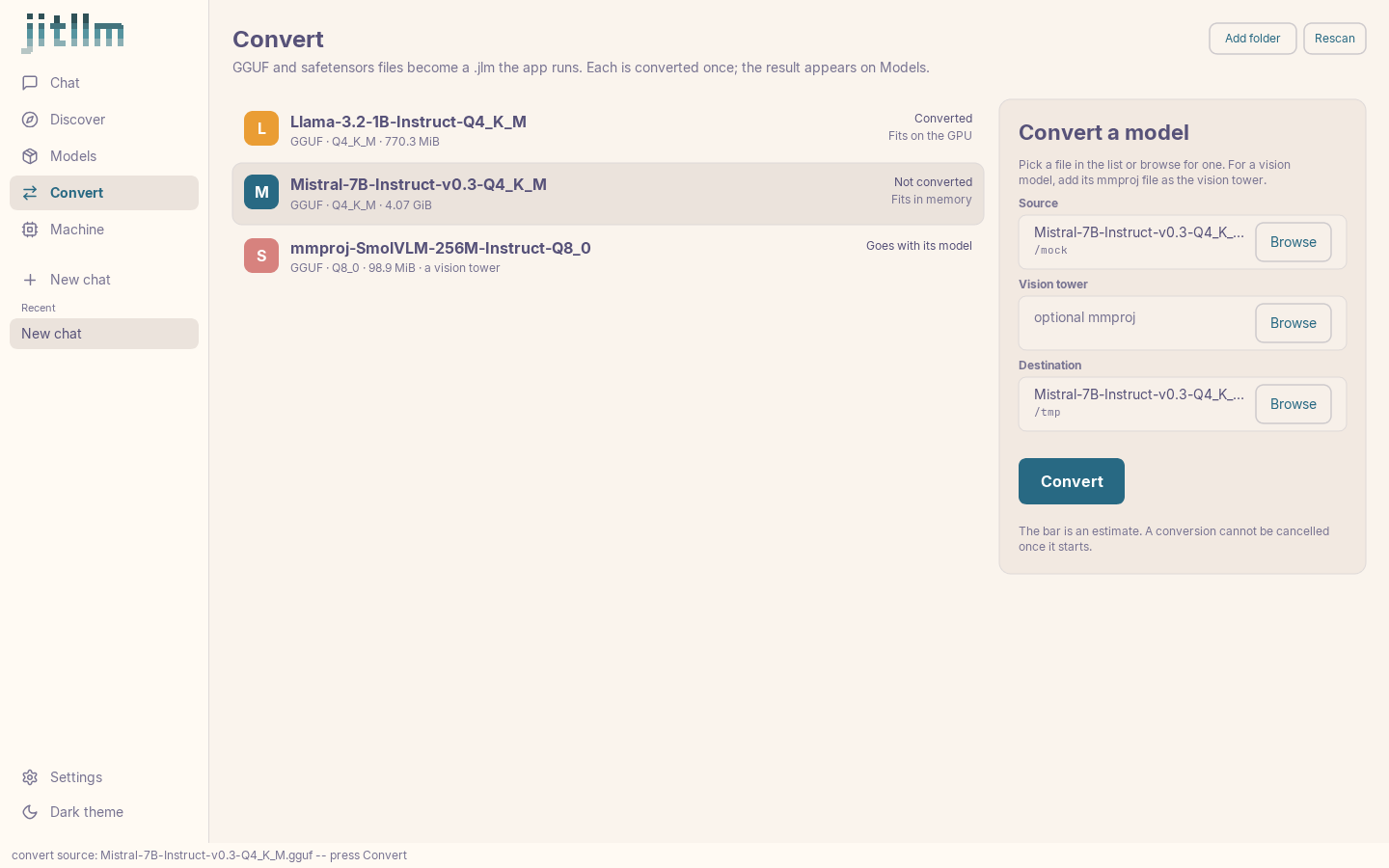
GGUF and safetensors files in your model folders are listed with whether they fit. Pick one, add a vision tower’s mmproj if it has one, and it becomes a .jlm that appears under Models. See Convert models for what conversion does.
Mock mode
Section titled “Mock mode”jitllm-desktop -mock runs the app against fixtures: no model, no GPU, every screen populated.
The Chat, Models and Machine screenshots on this page are the app running Qwen3-30B-A3B for real. Discover and Convert come from mock mode, rendered by the app’s own scenario runner (ui/cmd/shots): the real window, with fixture data in it.