Enumerates the hardware
Reads the CPU's capabilities and finds installed CUDA and Vulkan libraries or the Metal framework. Shared CPU/GPU memory is counted once, as one pool.
Your models. Your hardware. Full speed.JIT kernels that match your hardware · paging so big models still run · auto-tuning & layer orchestration
Why jitllm
Inference engines are bulky and rigid: a lot to set up, and getting the most out of your hardware is another job.
jitllm borrows from operating systems and JIT compilers. It detects your CPUs and GPUs, generates kernels for them, and places the model at runtime. Models larger than memory page from disk, and layers move between devices without losing the conversation.
A small simulation of the runtime: models load from .jlm, placement picks a device for every block, blocks page from disk straight onto that device, and a token runs through them in order, growing each device's KV cache. Blocks and their KV move between devices only when placement changes. Click a model to send it a request, add CPUs and GPUs, or change where the blocks go.
Each program is one self-contained binary, for Linux, macOS and Windows on x86-64 and arm64. GPUs need only their driver.
jitllmd: many models and many sessions at once, behind OpenAI, Anthropic and Connect APIs.jitllm: convert GGUF or Hugging Face weights and run a model from the command line.jitllm-desktop: downloads, conversion, chat and a live view of the blocks.jitllm-tui: the same screens in a terminal, over SSH too.Model downloads, conversion, text and image chat, and a live view of where each block of the model sits, in one window. The engine runs inside the app's own process.
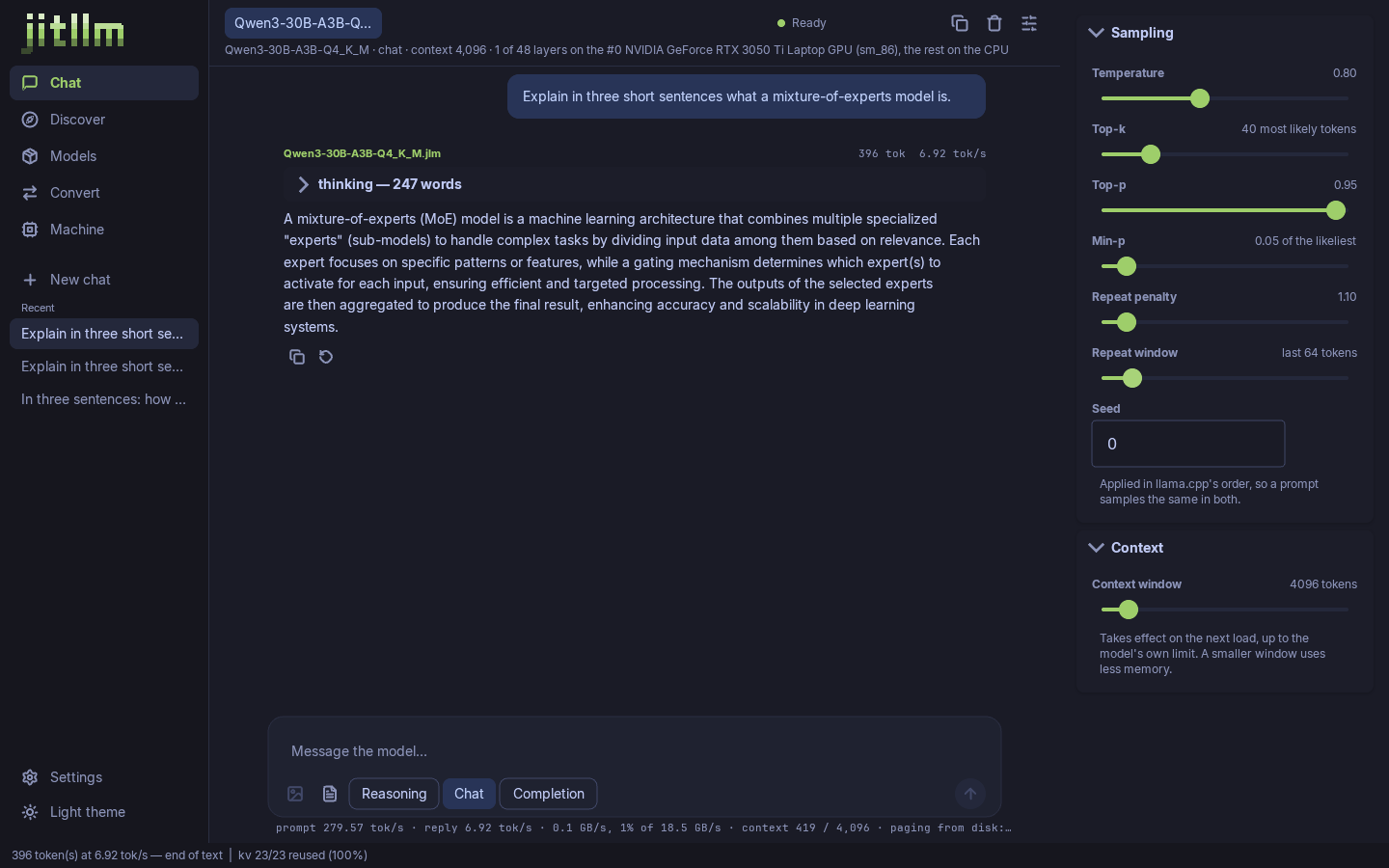
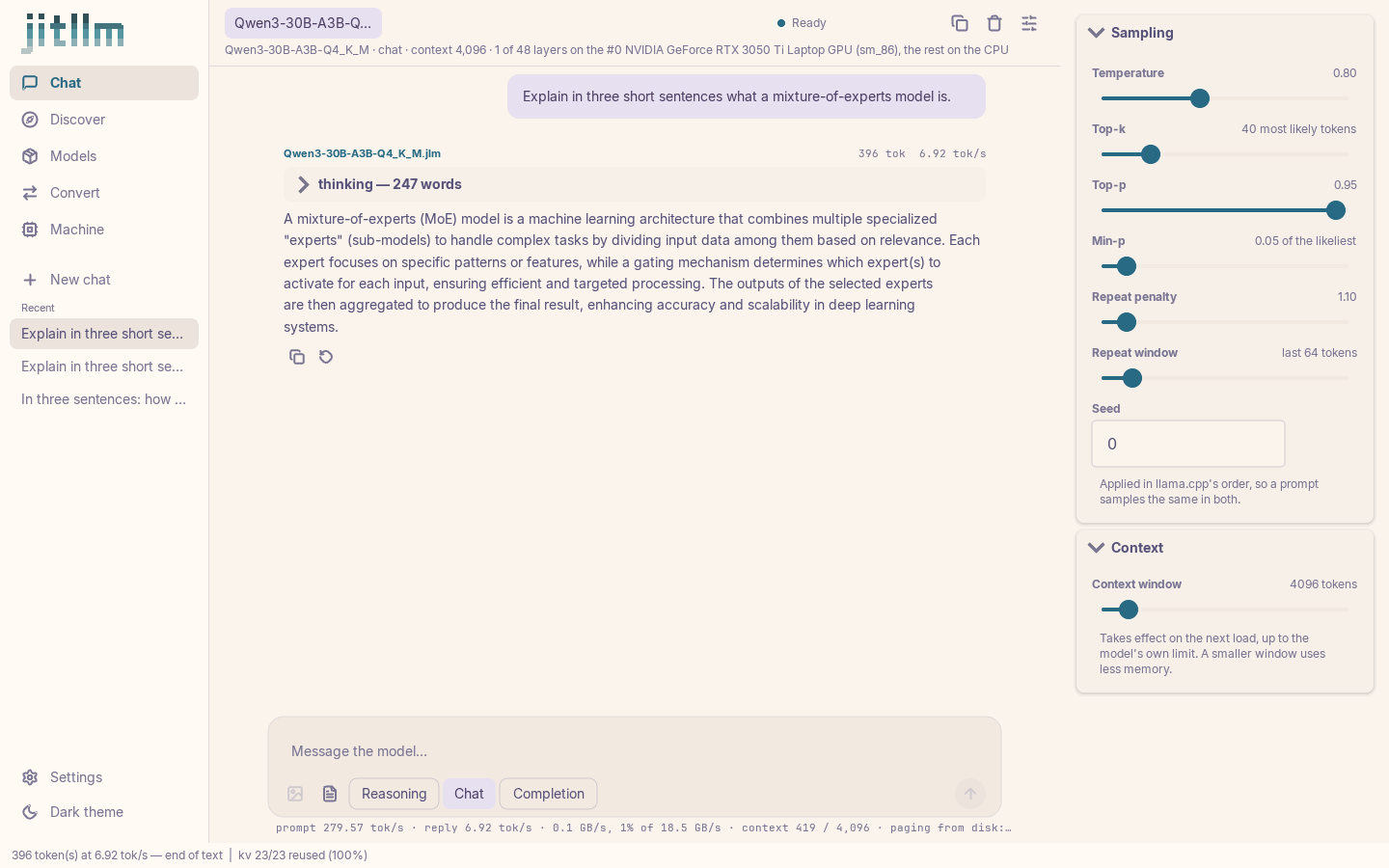
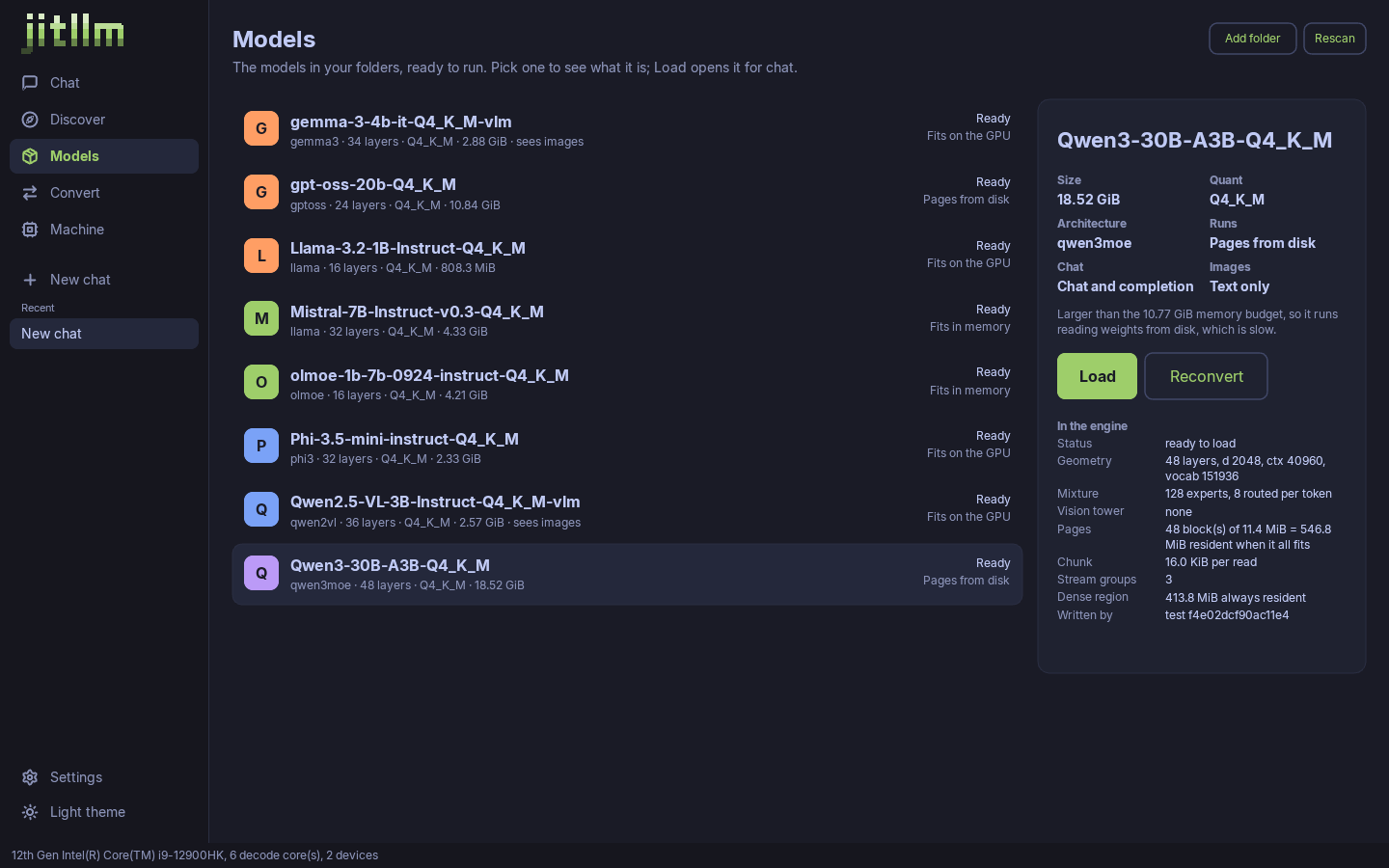
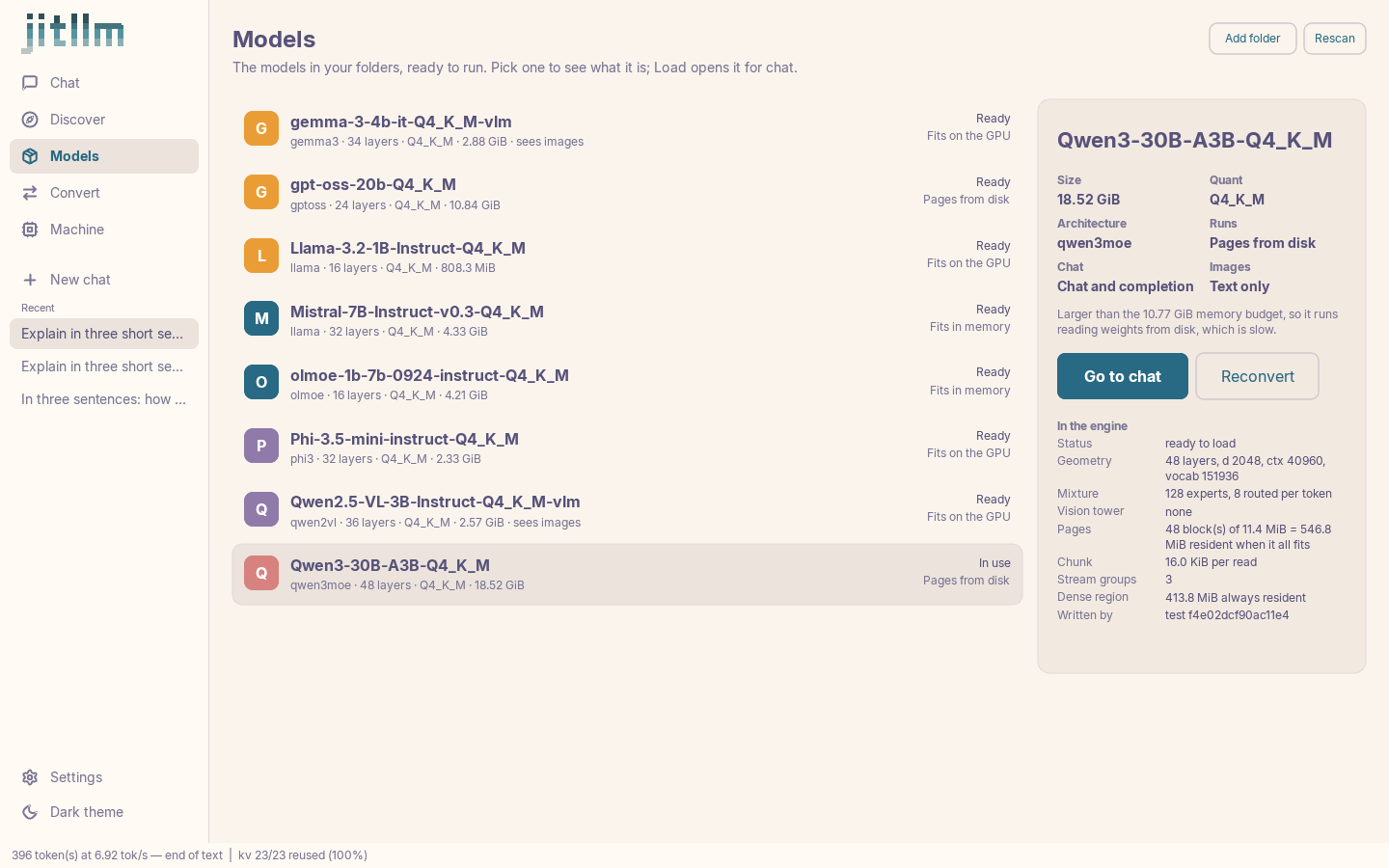
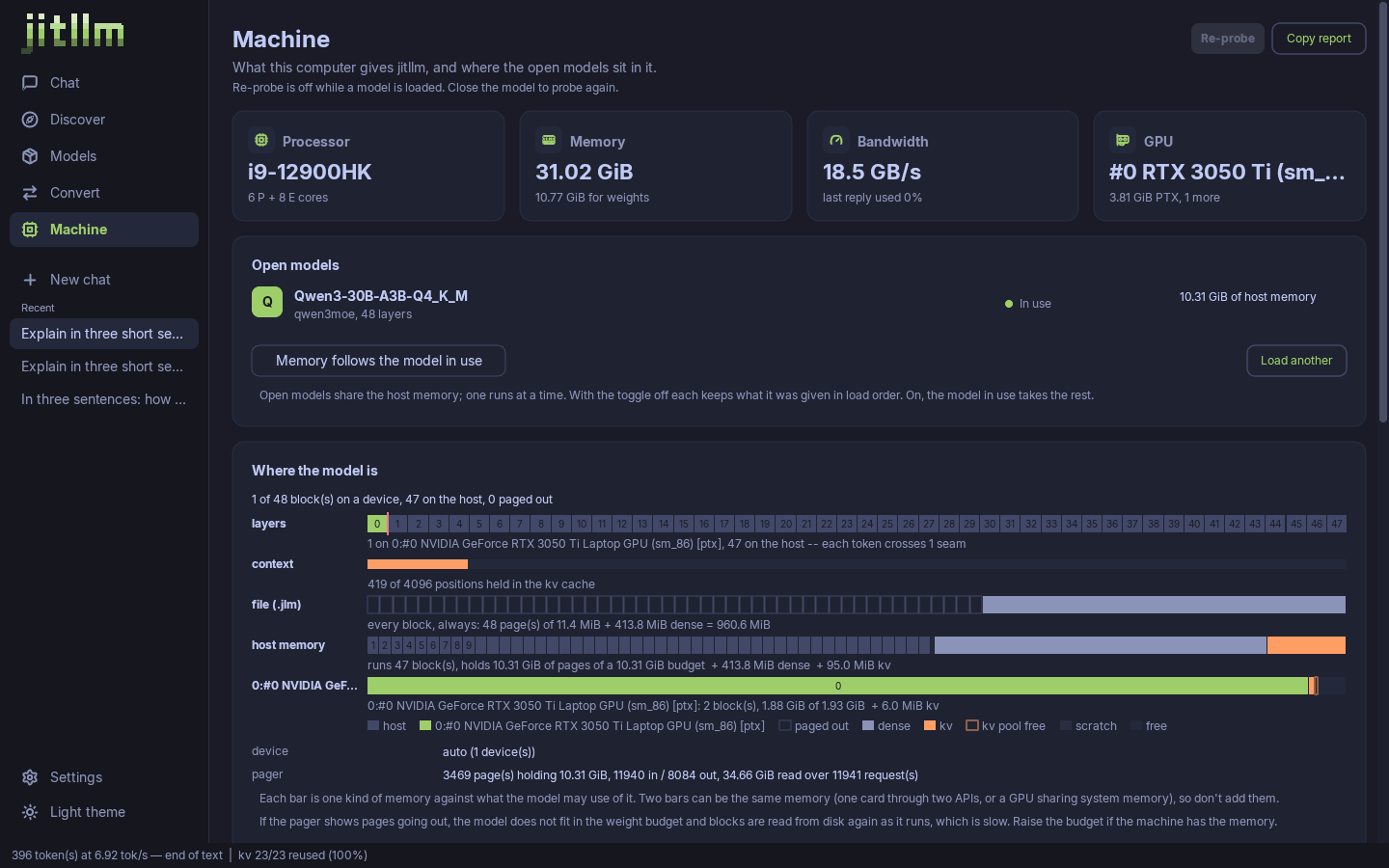
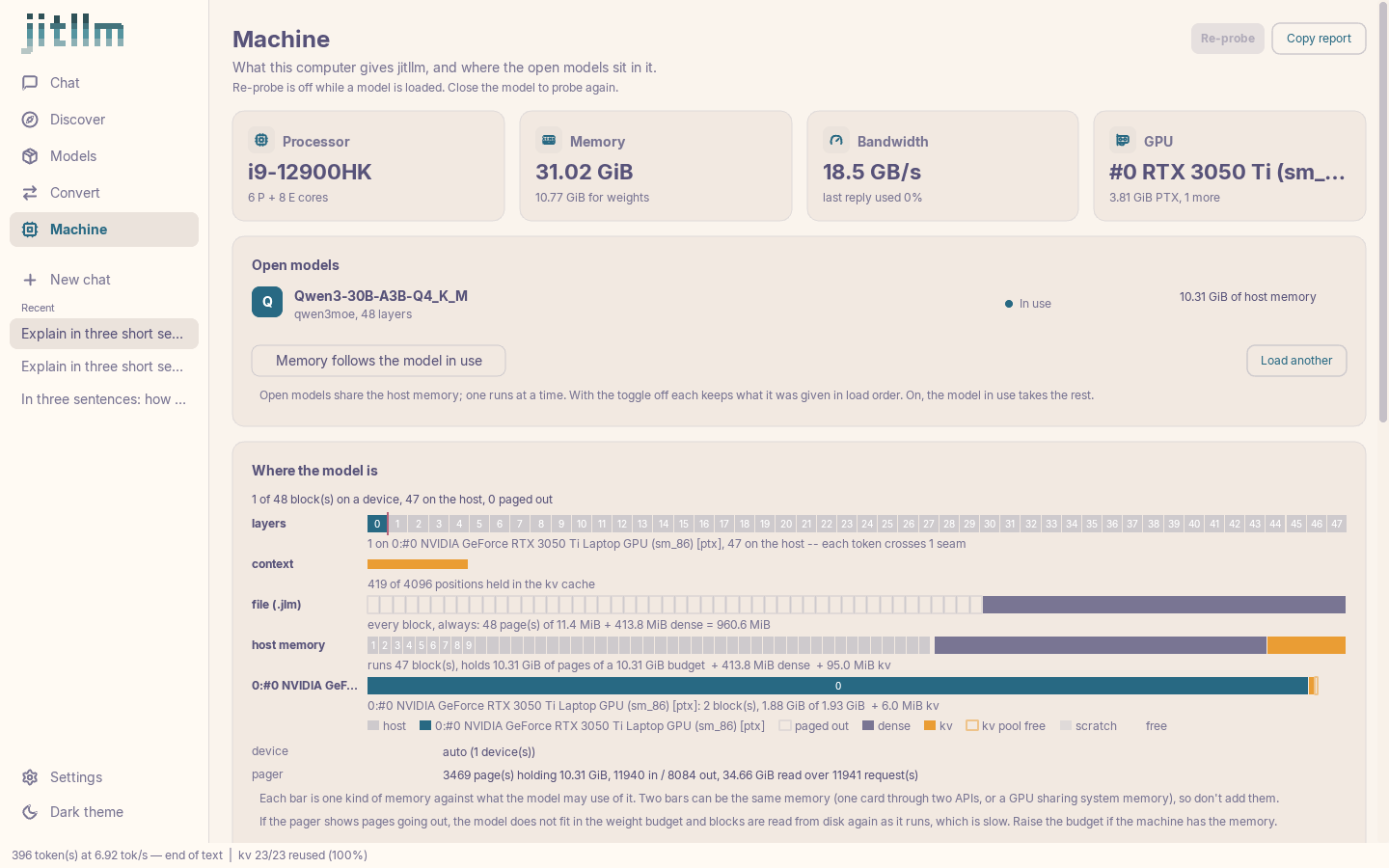
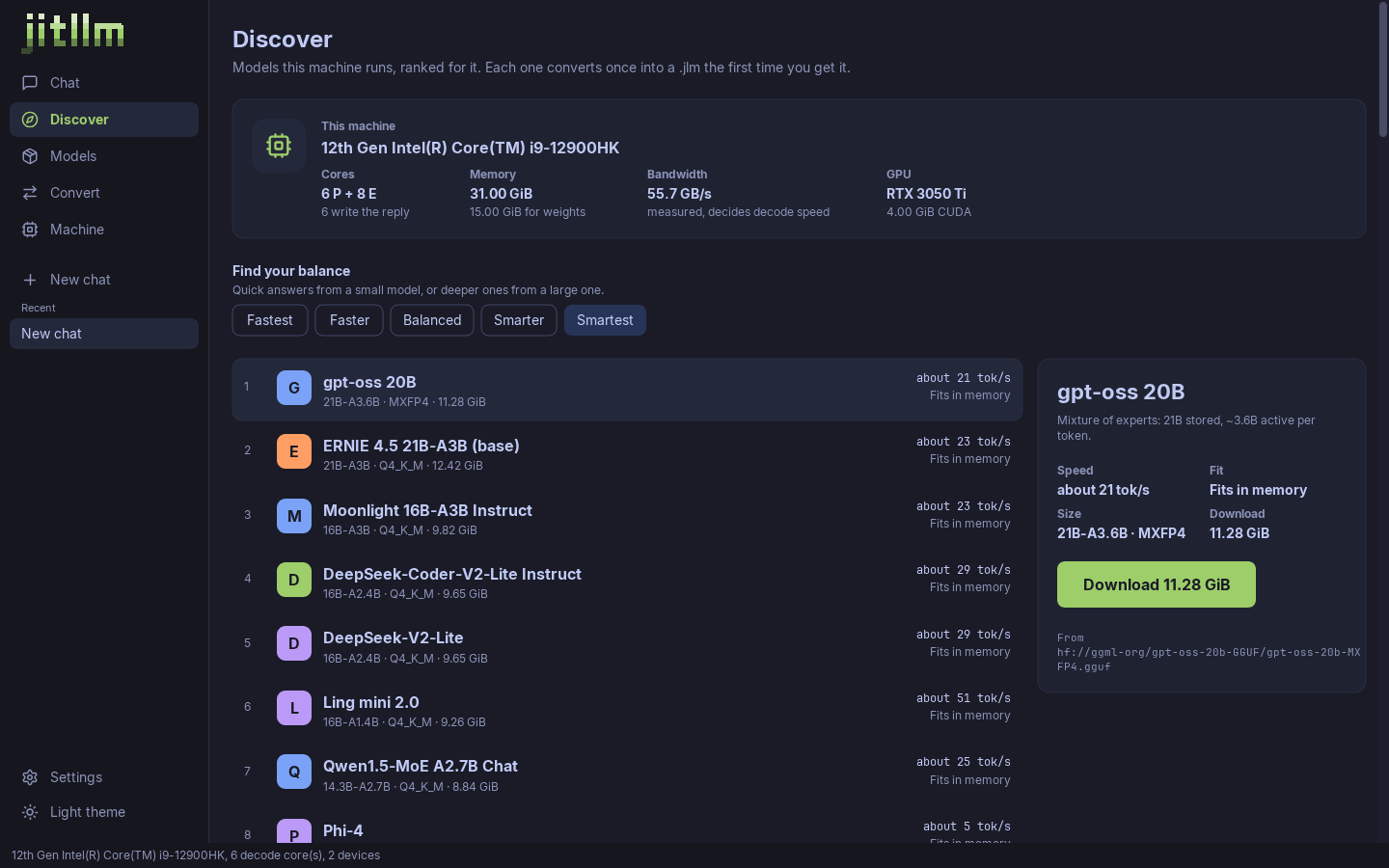
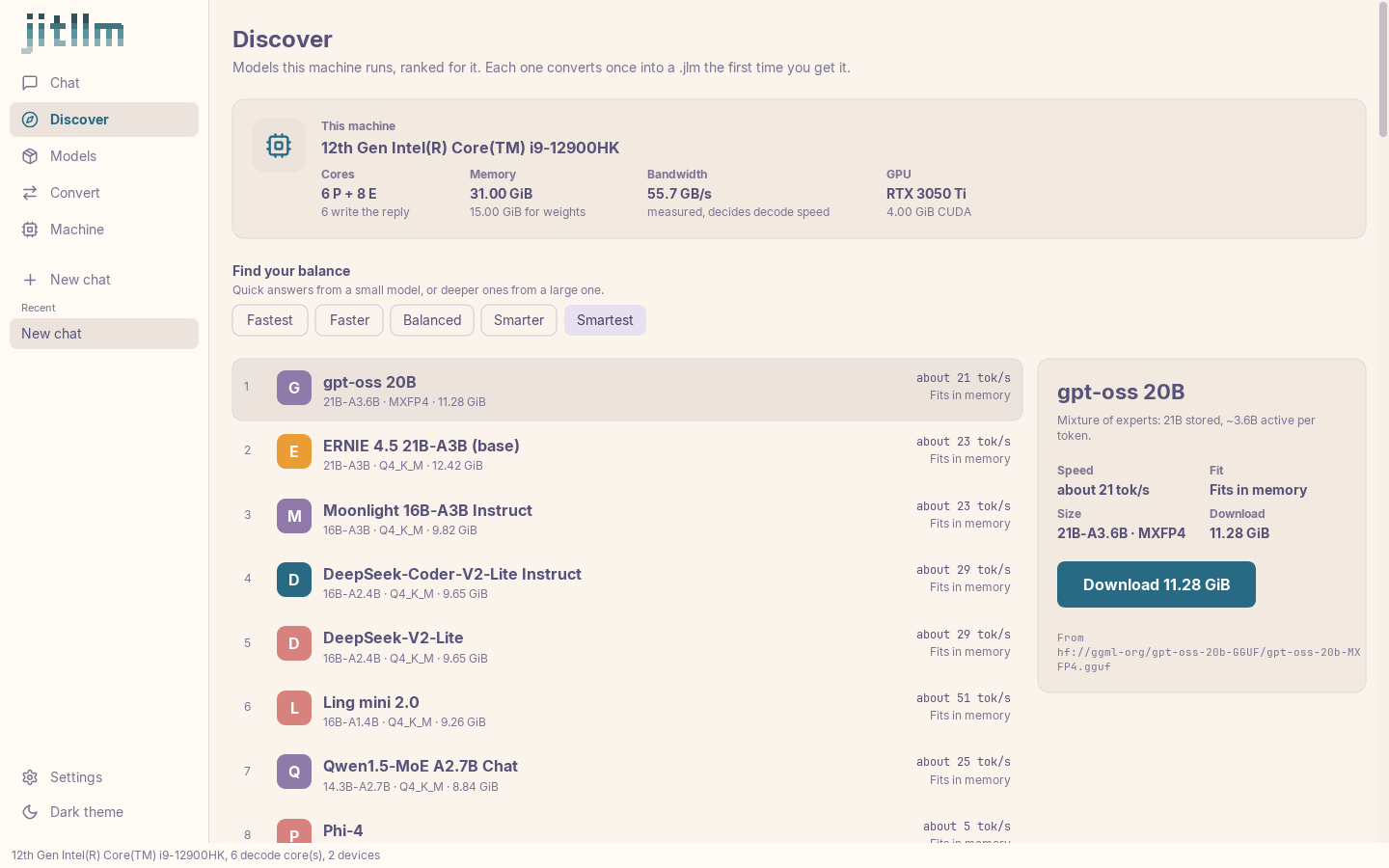
The same screens in a terminal, over SSH too, sharing the desktop app's settings and chats. The arrow keys move the model's blocks between the CPU and the GPU, and the conversation keeps its history across the move.
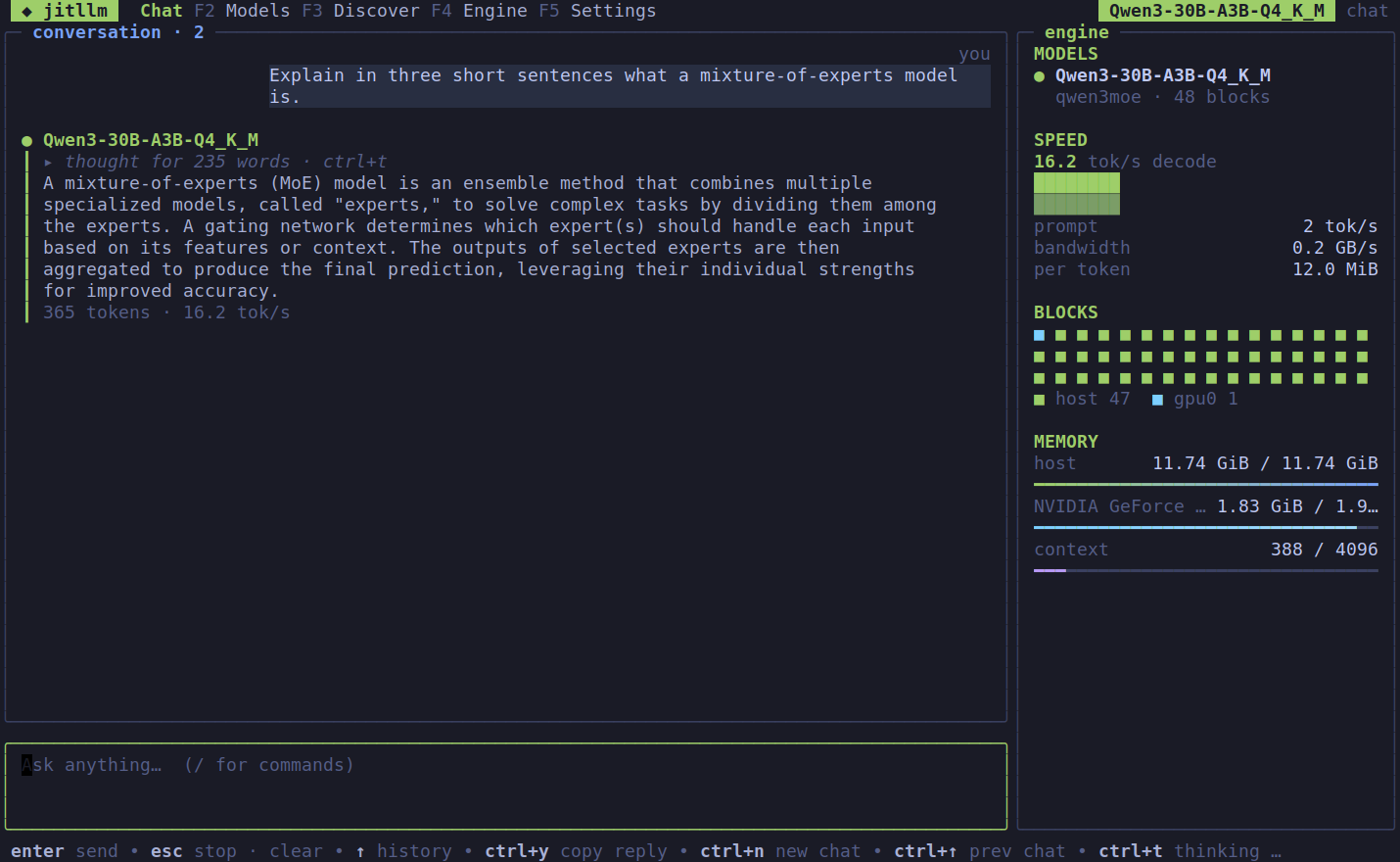
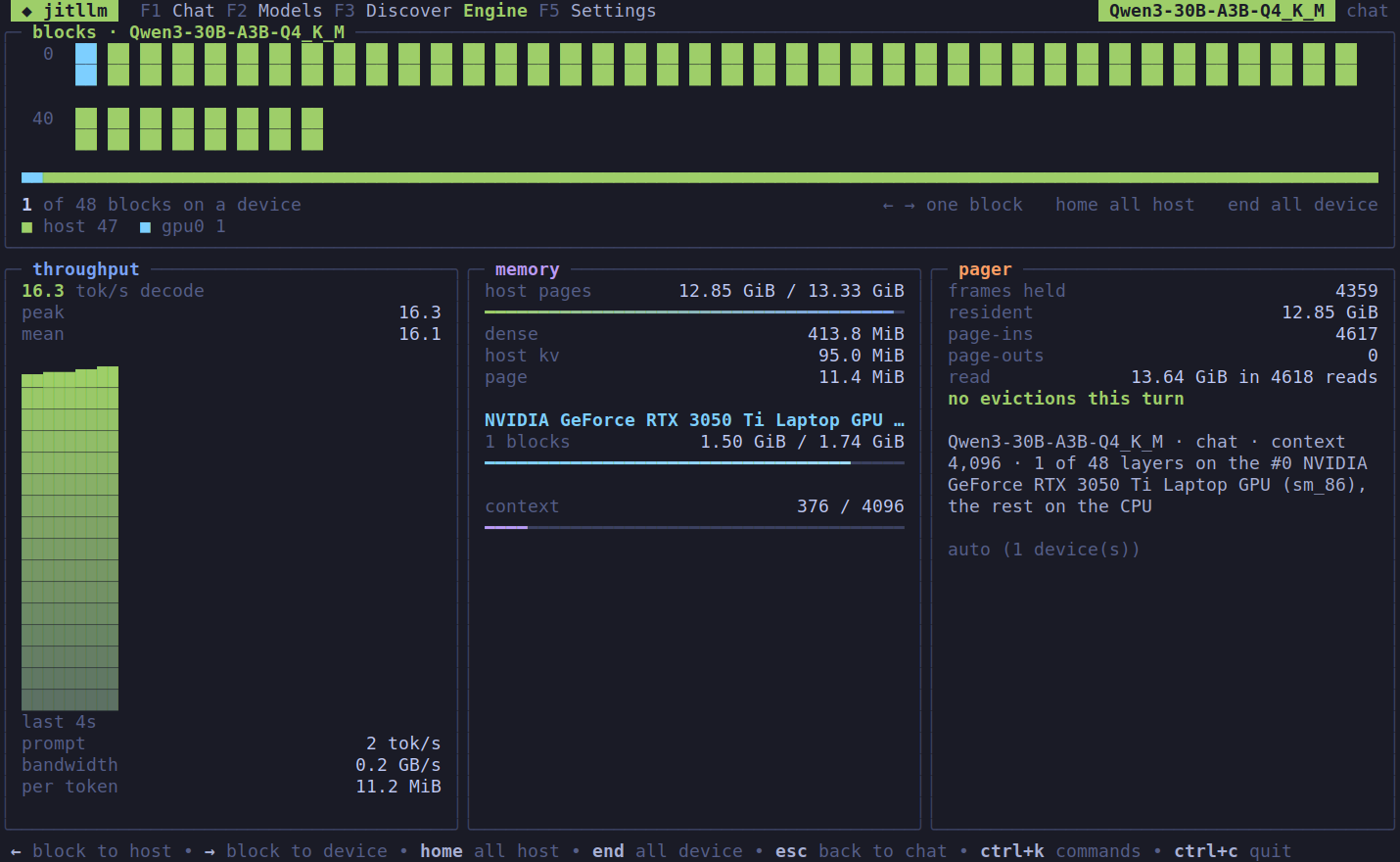
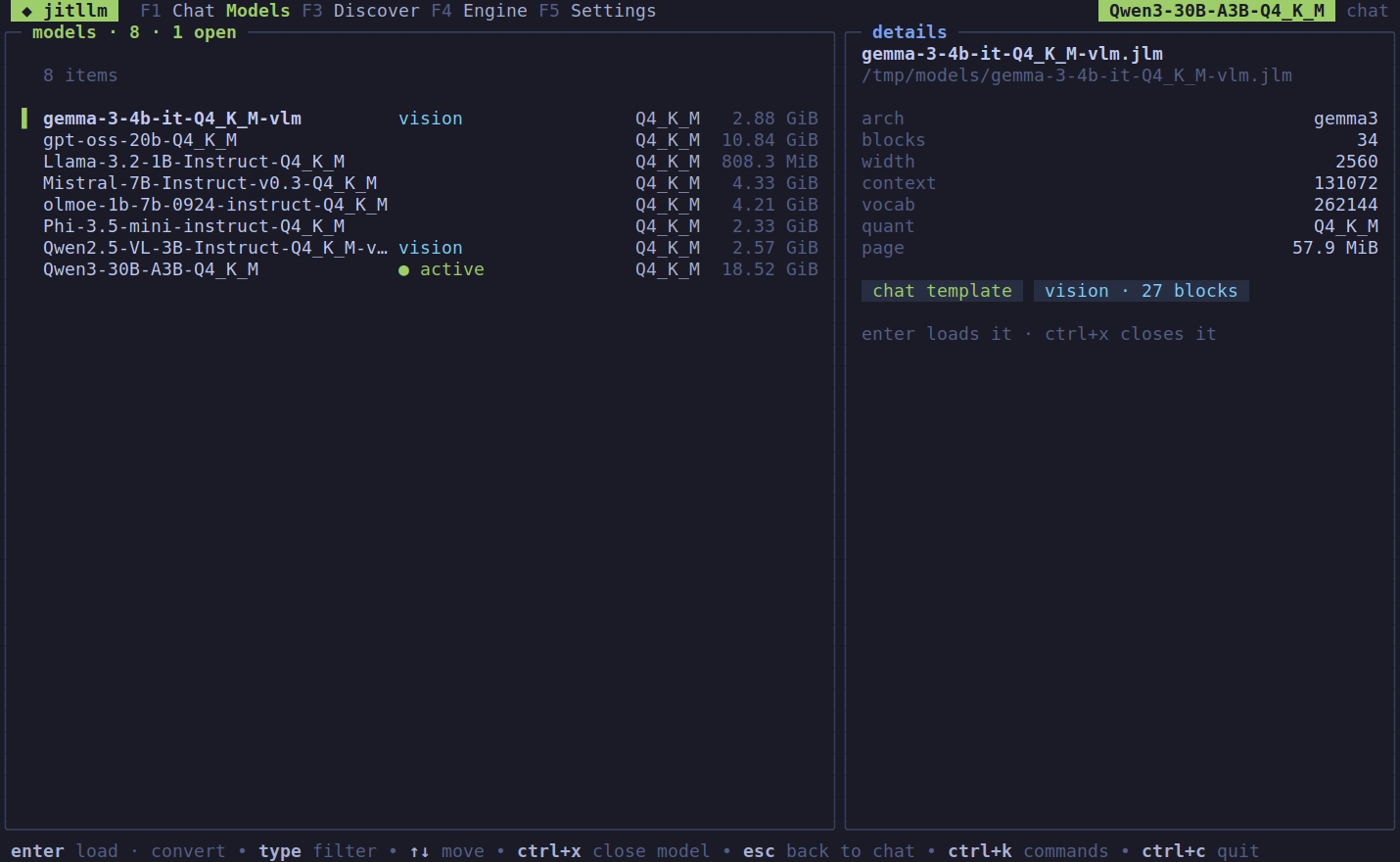
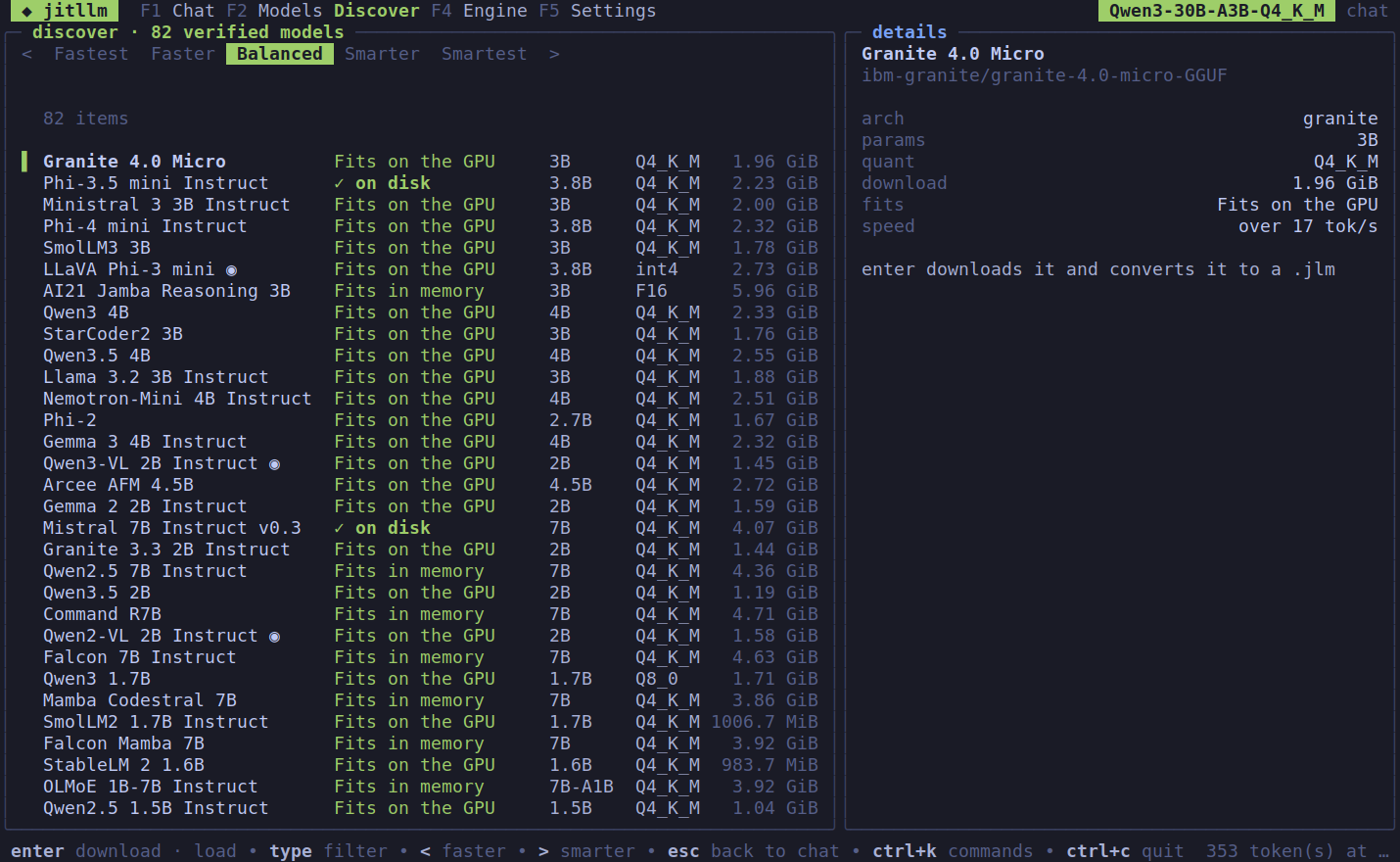
Convert from GGUF or Hugging Face once, then run the .jlm anywhere jitllm runs.
It is one process. Inside it, models are the programs, their blocks are the threads, and every CPU core and accelerator on the machine is somewhere they can run.
Placement, paging and tuning are automatic, and every one of those decisions can be forced by the application.
.jlm containerThe executable format
An OS loads programs from a format built for loading. .jlm is that for models: GGUF or Hugging Face weights, with their quantization preserved, laid out once so evicting and reloading them during inference never repeats the preparation.
One file carries the weights, configuration, tokenizer, chat templates and optional vision tower, for the CLI, the server, the desktop app and the Go library alike.
The formatQuantized weights are stored in the layout the GPU backends share, so a reload is a read.
Predictable block offsets and addressable expert ranges let the pager fetch only what a token uses.
CUDA, Vulkan and Metal read the same container, so execution can move between backends and reuse it.
Same machine, same pass, same GGUF file. Ratios are jitllm ÷ the other engine; above 1.00× means jitllm is faster.
4.62×
llama.cpp's prefill on Qwen3-Next-80B-A3B
4× V100, 512-token prompt
5.5×
vLLM's throughput, 128 sequences batched
Llama-3.1-8B Q4_K_M, one V100
34/35
models prefill faster than on llama.cpp
V100, 360M to 120B, 1 to 5 GPUs; the 35th level at 1.00×
35/35
models decode faster than on llama.cpp
V100, 1.01× to 1.35×
jitllm speed -p 512 -n 128 -r 2 against llama-bench -p 512 -n 128 -ngl 99 -r 3 on the file jitllm converted from; vLLM 0.18.1, generated tokens over wall clock. Q4_K_M unless named. One pass per host. Hosts, method and the CPU board.
Pick an engine. Every feature is checked against that project's own documentation and source, and links to it.
Checked against each project's own documentation and source; every mark links to it. Out of date? Tell us.
One self-contained binary per program, for Linux, macOS and Windows on x86-64 and arm64. GPU backends use the drivers already on the machine; jitllm finds them at run time.
For your machine
jitllm for Apple silicon (.dmg)
brew tap jitllm/jitllm && brew trust jitllm/jitllm && brew install --cask jitllmcurl -fsSL https://jitllm.org/install.sh | sh
Other platforms
Every archive, with checksums.txt: the latest release.
Install the CLI and the server from the latest release, then convert Qwen3-30B-A3B, a 30B mixture of experts that uses 3B per token (18.6 GB to download). On Windows: irm https://jitllm.org/install.ps1 | iex.
$ curl -fsSL https://jitllm.org/install.sh | sh
$ mkdir -p models
$ jitllm convert -o models qwen3-30b-a3b models/qwen3.jlmStart the API server with automatic device selection, then stream a chat from another terminal.
$ jitllmd serve -addr localhost:4242 -models ./models \
    -load qwen3.jlm -id qwen3 -devices auto
$ curl http://localhost:4242/v1/chat/completions \
    -H 'Content-Type: application/json' \
    -d '{"model":"qwen3","stream":true,
"messages":[{"role":"user","content":"Hi"}]}'Four subsystems between your application and the hardware.
Reads the CPU's capabilities and finds installed CUDA and Vulkan libraries or the Metal framework. Shared CPU/GPU memory is counted once, as one pool.
Native x86-64 and ARM64 code and GPU kernels, specialized for the model's shapes and weight formats, then tuned by measurement: kernel layouts, worker counts, tiles, splits.
Blocks run on the CPU or on any GPU, spread across several at once. Placement can change between tokens: grow onto a GPU, give blocks back as context grows, tune the split.
Weights, experts, KV pages and recurrent state move between VRAM, RAM and storage. Run models larger than RAM, and make room for another model without discarding a conversation.
One binary, jitllmd, many models and many sessions at once. Applications reach it through APIs they already speak: point a client at http://localhost:4242/v1 and use the model's id as its name.
POST /v1/chat/completionsChat, completions, embeddings, Batches and Files, streamed, with tool calls in each model's own format (24 families) and tool_choice enforced by constrained decoding.
POST /v1/messagesThe messages endpoint, streamed, with tool use and pictures through image blocks on vision models, for clients written against Anthropic's API.
models · sessions · devicesA control plane: load and unload models, create, park and resume sessions, move blocks between devices, and /metrics for Prometheus.
-fairness 0-100 time-slices sessions through the card by parking them to the host and back, with per-request priority.n choices from one prefill./v1/systemone.For the agent using jitllm, and for the agent changing it.
jitllm capabilitiesWhat this build runs, generated from the code: architectures, quant types, backends, API fields and their refusals. Also at GET /v1/capabilities.
jitllm doctor -jsonThe host, its devices and a model's compatibility, each problem with a next action.
docs/recipesTested recipes from install to a running server, a connected client, tools, conversion, placement and diagnosis; llms.txt indexes the documentation.
The OpenAI- and Anthropic-compatible APIs work with the SDKs and agent frameworks as they are, and a forced tool call is a call. For an agent changing jitllm, AGENTS.md holds the project's binding rules, the model list is generated from the converter, and the model-free suite reports a missing model or device as a skip, never as a pass.